

If you’re trying to monitor pet while at work without wasting money on gear that nags you with false alerts or forces you into a pricey subscription, you’re in the right spot. Busy working parents need more than a clever app icon. They need a setup that cuts through guilt, runs reliably on chaotic home Wi‑Fi, and doesn’t add another monthly bill to the stack. This guide walks through exactly what to look for, what to avoid, and how to use the footage to actually reduce your pet’s anxiety instead of just watching it unfold.
Key Takeaways
- Pet cameras are a $2‑billion‑plus market, but the most popular models still trip over weak Wi‑Fi, hidden subscription fees, and startling treat mechanisms.
- Working parents need reliability over flash, with long battery life, local storage options, and quiet treat tossing so the gadget doesn’t become a new anxiety trigger.
- The real magic isn’t the camera hardware. It’s pairing a solid device with a behavior‑focused routine that uses recorded patterns to identify separation triggers and escalate care before things get worse.
- Why monitor your pet while at work?
- What working parents need vs. casual pet owners
- Top complaints to watch for when choosing a pet camera
- Cost and power realities — what to expect for price and battery life
- Practical setups for working parents (camera + routines)
- How to use monitoring tech to reduce pet anxiety (what competitors miss)
- Feature checklist for working‑parent buyers
- Quick product picks for common parent needs (budget / battery / anxious pet)
- When monitoring tech isn’t enough — escalation plan
- Research gaps & suggestions for follow‑up reporting
- Short buyer’s checklist (TL;DR)
Why monitor your pet while at work?
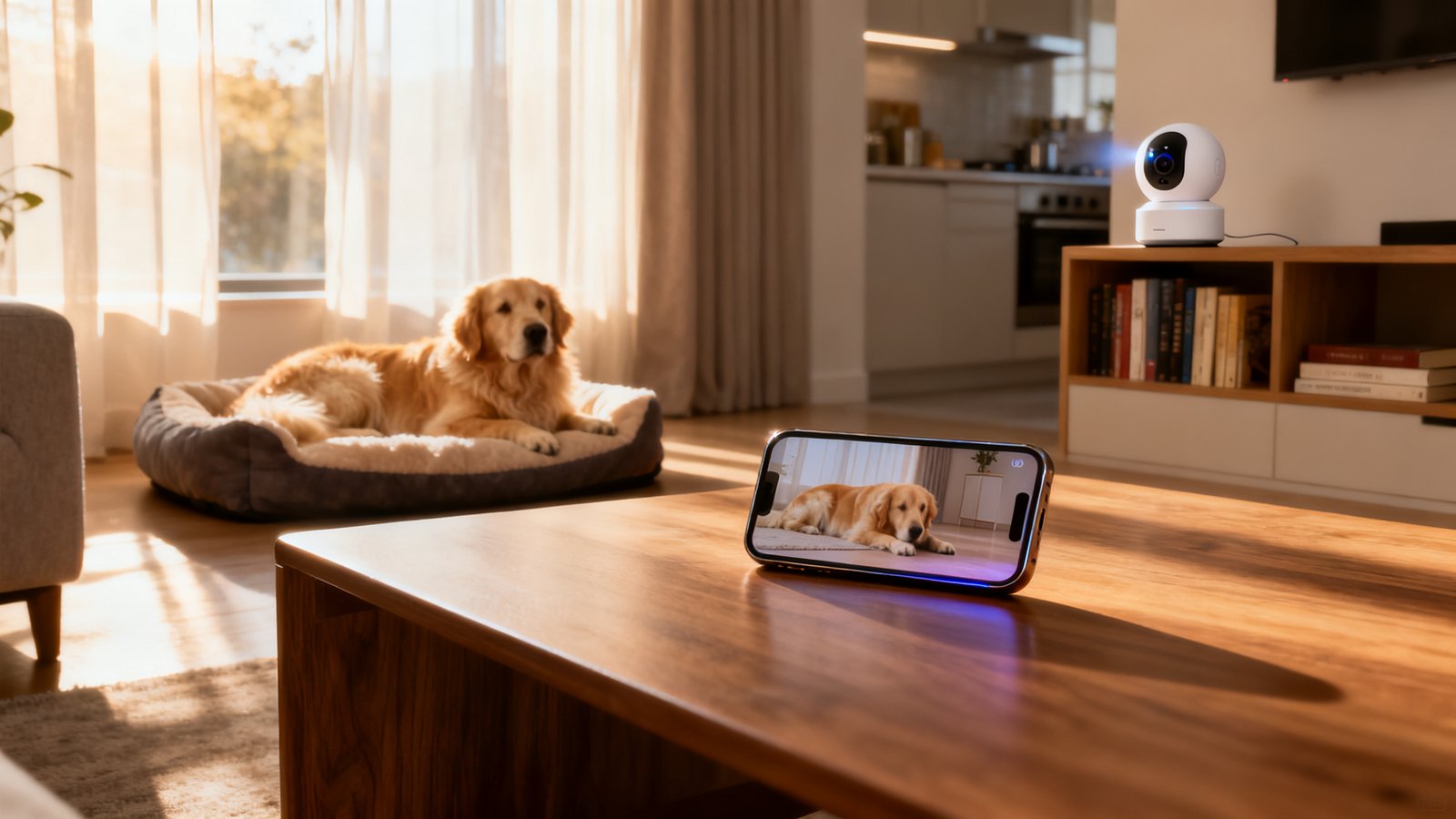
The most immediate reason is safety. A camera can confirm that your dog didn’t knock over a lamp, that your cat hasn’t wedged itself behind the refrigerator, or that the pet sitter actually showed up. According to Statista, global sales of pet monitoring cameras hit over $2 billion in 2025, climbing 25% year over year, which tells you just how many households are trying to close the gap between leaving home and knowing what’s happening inside.
Beyond emergencies, a well‑placed camera can surface subtle signs of separation anxiety that you’d otherwise miss: pacing in a figure‑eight for 20 minutes, freezing at the front door, or obsessively licking paws the moment the house goes quiet. Seeing those patterns is the first step toward solving them. But cameras aren’t magic. They won’t stop a dog from chewing baseboards in real time, and barking alerts often arrive too late to correct the behavior. What a camera does is give you an evidence file you can show a trainer, a vet, or even a family member who doubts the dog is struggling.
What working parents need vs. casual pet owners
When you’ve got a school‑age kid to get out the door and a job that won’t pause for a false alarm, your must‑have list looks different from someone who treats a pet cam like a hobby gadget. Working parents are a high‑reliability audience. They need a camera that stays connected even when the microwave is running and the teenager’s Zoom class is eating bandwidth. They need long battery life or a reliable plug‑in option because they can’t remember to charge yet another device every three days. And they need minimal false alerts because every buzz that turns out to be a curtain moving erodes trust in the system.
Curiously, no public data currently compares pet camera ratings by parental status. The research sources available for this article contain no head‑to‑head surveys of working parents versus non‑parents, so treat every marketing claim with skepticism. A general consumer rating of 4.3 stars doesn’t mean a thing if 80% of those reviewers are remote workers who can babysit the Wi‑Fi connection all day. In the absence of that data, the safest approach is to filter every feature through the lens of real‑world reliability: can it handle a busy home network, and will it keep recording when things go wrong?
Top complaints to watch for when choosing a pet camera
Before you pick a remote pet monitoring camera, it helps to know what makes real buyers furious. Across user reviews and independent tests, six complaints dominate — and they hit working‑parent setups especially hard.
| Complaint | Typical cameras affected | Why it hurts working parents |
|---|---|---|
| Subscription traps for core features | Furbo Mini 360°, Petcube Cam 360 | Monthly fees pile up; missing cloud storage erases critical clips |
| Noisy, unpredictable treat dispensers | Multiple treat‑tossing models | Startles anxious pets, worsens anxiety rather than relieving it |
| Chaotic auto‑tracking | SiiPet PawTrack AI Camera | Camera spins, misses the pet entirely, drains battery |
| Weak Wi‑Fi | Petlibro Scout | Dropouts right when you need the feed most |
| Privacy/cloud‑only storage | Many Wi‑Fi‑only cameras | No local backup; footage inaccessible during internet outages |
| High upfront cost | Nest, ADT, premium models | Risk of overspending on a device that may still require add‑ons |
These aren’t edge cases. They show up repeatedly in verified purchase reviews. Take the subscription trap: Furbo Mini 360° and Petcube Cam 360 lock essential replay and smart detection behind a paywall. The result is a camera that feels cheap until you realize the monthly fee outruns the hardware cost. Noisy treat dispensers are another deal‑breaker for anxious pets; a sudden whirring sound can send a timid dog under the couch for the rest of the afternoon. And if the camera can’t stay on Wi‑Fi, you’re left staring at a frozen last frame, which is worse than no feed at all. For parents who need to rely on this gear, each of these failures represents a missed check‑in during a finite lunch break.
Cost and power realities — what to expect for price and battery life
The best way to keep your budget intact is to separate advertised claims from what you’ll actually see on your credit card. At the time of writing, average prices for reliable pet‑monitoring cameras sit around $100, though that number hides a huge spread — a Wyze Cam runs roughly $20, while an Arlo Pro 5S 2K clocks in around $179.99, and Nest or ADT starter kits often hit the $99.99 mark before subscription. If you need a portable battery model, real‑world battery life mirrors what we’ve seen in the GPS tracker space: many top battery cameras advertise around 8 months of endurance, with Ring’s Stick Up Cam Battery delivering 6–12 months and Arlo’s battery units averaging about 8 months under normal use. Two notable exceptions: the Enabot Rola Mini, whose tiny battery maxes out at about 25 days, and the Enabot Ebo SE, which can need a recharge after roughly 5 hours of active roaming, per WIRED’s testing.
Plug‑in cameras eliminate the charging hassle entirely, but they require you to position furniture around outlets. If you pick a battery model, budget for at least one spare battery pack so you don’t lose coverage during charging downtime. And remember: almost every camera with cloud‑based smart detection requires a subscription. That’s not a one‑time hit; it’s an ongoing line item that can double the effective lifetime cost. Working parents often benefit most from a hybrid setup: a cheap, plug‑in fixed camera in the main living space plus a one‑time purchase of a portable battery camera for spot checks on heavy office days.
Practical setups for working parents (camera + routines)
Technology alone won’t fix separation anxiety. The sequence that consistently works for our readers is this: place a fixed camera where your pet naturally rests rather than aiming it at the entire room. Narrow the motion‑detection zone to exclude hallways, windows, and fans. Then schedule two‑minute check‑ins on your phone rather than leaving the feed streaming all day, which drains battery and trains you to obsess. Use two‑way audio sparingly — hearing your voice out of nowhere can confuse a dog that’s just settled down, raising cortisol rather than lowering it.
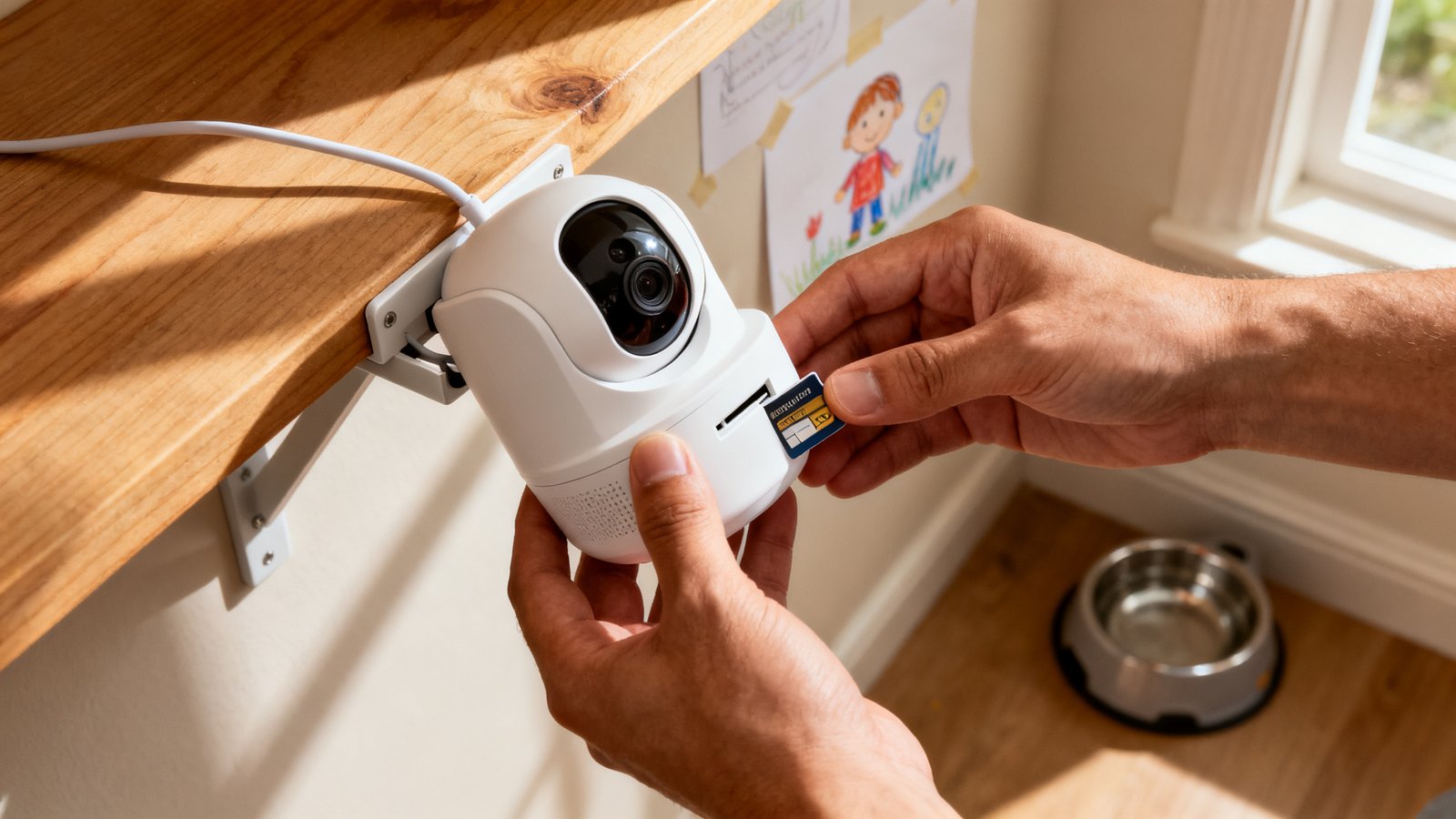
Combine the camera with a predictable daily rhythm. If your footage shows the dog pacing 90 minutes after you leave, arrange a midday dog walker to cut that buildup earlier. On days when you’re buried in meetings, a trustworthy pet sitter or doggy daycare can be the real failsafe. The camera then becomes a verification tool: you can confirm the walker arrived on time and that the dog settled after exercise, instead of guessing.
How to use monitoring tech to reduce pet anxiety (what competitors miss)
Most guides stop at “talk to your pet through the camera” or “toss a treat.” That’s surface‑level, and for a dog already wound tight, an unexpected voice or whirring dispenser can backfire. The deeper work happens when you treat your camera feed like a behavior log. Look for triggers you can identify and remove: Does the panic start the moment a delivery truck rumbles by? Is it a specific shadow that appears when the sun hits the blinds? Footage lets you isolate exactly when and why the stress peak occurs, which no amount of “soothing voice” will ever pinpoint.
Use that data to build a desensitization plan. If your pet loses it exactly 11 minutes after the front door locks, record a ten‑minute departure simulation on a weekend, review the tape with a certified trainer, and practice departures in small doses using rewards for calm behavior. Too few articles mention integrating camera data into actual training sessions; this turns a passive monitor into an active behavior‑change tool. Over weeks, track the frequency and intensity of stress behaviors — tail tucking, panting, destruction — and compare the numbers. A pet anxiety monitor used this way gives you an objective trend line that you can share with your vet or behaviorist, making medication and treatment adjustments far less of a guess.
Feature checklist for working‑parent buyers
Print this or screenshot it. Every checklist item comes directly from the most common failures we’ve catalogued above.
- Stable Wi‑Fi or cellular fallback: If the camera doesn’t offer an offline recording buffer or cellular backup, walk away.
- Battery life or permanent plug option: Know your charging tolerance. A battery that dies in two days is useless. Look for 6‑month minimum real‑world figures or stick to plug‑in.
- Local storage as primary or hybrid: MicroSD slot or NAS support means you keep the footage even when the cloud subscription lapses.
- Quiet treat dispenser: Test decibel levels in reviews; if multiple reviewers say it sounds like a coffee grinder, that’s a red flag for anxious pets.
- Accurate motion zones and auto‑tracking: Adjustable zones that let you exclude busy areas and an auto‑track feature that actually follows the pet without wild spins.
- Privacy policy clarity: The company should state explicitly whether it shares data with third parties. If you can’t find that information in three minutes, assume the worst.
- Clean app UX: You don’t have time to dig through menus. The app should offer one‑tap live view and quick video clip export.
Many budget‑friendly cameras like the Eufy indoor camera for pets check several of these boxes without the subscription overhead, while the best pet camera 2026 roundup gives you a full snapshot of current top models.
Quick product picks for common parent needs (budget / battery / anxious pet)
All picks come with a clear tradeoff, because there is no single perfect device.
- Budget plug‑in: Wyze‑style cameras around the $20 mark. Dead simple, no battery to manage. The tradeoff: you’ll likely want an SD card for continuous recording, and motion alerts may be basic.
- Long‑battery portable: Ring Stick Up Cam Battery ($~100, 6‑12 months) or Arlo Pro 5S 2K (~$179.99, ~8 months). These give you freedom to move the camera as needed, but cloud features often require a subscription, and arming/disarming remote modes can become a chore.
- Anxiety‑focused interactive cam: Models that include treat tossing can work if you choose one with quiet dispense mechanics and no mandatory subscription for replay. However, the pet camera treat dispenser category still has loud outliers. Read decibel reports carefully. And before you buy a Furbo or Petcube, confirm you won’t need a subscription to see saved video clips — the Furbo 360 camera review highlights this exact friction.
For homes with smart assistant setups, also check that the camera can integrate without hours of pairing frustration — the Furbo Alexa setup guide walks through one common pain point.
When monitoring tech isn’t enough — escalation plan
There’s a moment when the camera footage stops being useful evidence and starts screaming “get professional help now.” Repeated pacing that lasts more than 20 minutes, vomiting, destructive chewing aimed at doors or walls, and any behavior that worsens over a week — not just a single bad day — are bright red flags. In those cases, advice from SafeWise holds: if your pet cam reveals high stress, consider a pet sitter, doggy daycare, or working with a trainer. Export the relevant video clips, note the time stamps, and bring them to your vet. A five‑minute clip of your dog trembling by the window is worth a thousand owner descriptions. It also helps a trainer design desensitization protocols that target the exact trigger you’ve captured. Don’t wait until the behavior becomes physically harmful to the pet or your house.
Research gaps & suggestions for follow‑up reporting
While this guide pulls from the best available data, several holes should make every buyer cautious. First, we don’t yet have 2026 sales figures for the pet camera category; the $2‑billion Statista number is from 2025. Second, there is no published study comparing working‑parent satisfaction ratings to the general consumer base. That means rating platforms may overstate reliability for a household where two adults and two kids are streaming simultaneously. As noted in a Treeline Review gear roundup about parallel pet tech, brand trajectories can change abruptly (Tractive acquired Whistle, and Whistle devices stopped being supported in 2025). The same shake‑ups could hit the camera market, making yesterday’s ratings obsolete. Future reporting should survey working parents directly, gather manufacturer subscription fee ranges in one place, and lab‑test treat dispenser noise levels and auto‑tracking accuracy under real home conditions. Until that data exists, treat all average star ratings as directional only.
Short buyer’s checklist (TL;DR)
Use this list before clicking “buy.”
- Primary need: What’s the one thing you must know? Live view? Recorded clips? Two‑way talk? Pick the feature that actually solves your worst worry.
- Must‑ask questions: Does this camera require a subscription to access recorded video? Is local storage included? How loud is the treat dispenser? What’s the real battery life, not the marketing number?
- Before full commitment: Watch sample footage from the exact model on YouTube. Look for Wi‑Fi drop reports, audio lag, and pet reactions. If reviewers can’t get through a single workday without a reset, you won’t either.
- Privacy check: Search “[brand name] privacy policy 2026” and read the section on audio/video data handling. If it’s vague, assume your living‑room audio is going somewhere you don’t want it.

Conclusion
You can spend $20 or $200 to monitor pet while at work, but the hardware is only half the battle. The gear that actually helps working parents is boring‑reliable, quiet, and backed by local storage so you never lose the footage that matters. Pick a camera that matches your real routine, not the aspirational version where you have time to fine‑tune AI boundaries every evening. Pair it with a behavior log, a few well‑placed motion zones, and a plan for what you’ll do when you see those first signs of stress — a walker, a vet consult, or a trainer. Start small, test thoroughly, and never pay for a subscription you don’t absolutely need.
Frequently Asked Questions
Can I monitor my pet without a subscription?
Yes. Several cameras offer local microSD storage so you can review recorded clips without any monthly fee. The tradeoff is that advanced cloud‑based smart alerts (person detection, audio classification) usually require a subscription. Look for models that let you access motion‑triggered recordings directly from the SD card via the app.
Are treat‑dispensing cameras safe for anxious dogs?
They can be, but many units are far louder than expected. A sudden motor noise can frighten a nervous pet. If you consider a treat tosser, search for decibel tests in reviews and try to find a model with adjustable launch volume. For severe anxiety, a quiet fixed camera plus a mid‑day drop‑in by a neighbor is often safer.
How can I reduce false motion alerts?
Restrict the motion detection zone to the area your pet actually occupies. Exclude windows, ceiling fans, and hallways. Some cameras let you set sensitivity levels; start low and increase gradually. Using a camera with pixel‑based motion detection rather than PIR can also cut down on shadows triggering alerts.
Should I buy a battery or plug‑in camera?
If you have an outlet near your pet’s main hangout spot and never plan to move the camera, a plug‑in model eliminates battery anxiety entirely. Battery cameras are great for portable checks — say, watching a puppy in a pen that moves during house training — but you must commit to charging them regularly. Many parents solve this by using one plug‑in camera as the primary and a battery model for ad‑hoc coverage.
How do I know if my pet’s anxiety is serious enough to need a trainer?
If you see repeated pacing, salivation, destruction targeted at exits, or any behavior that escalates over a week rather than staying flat, it’s time to consult a professional. Save time‑stamped video clips to show the trainer. The footage gives them a clear picture of the trigger and the intensity, which changes the conversation from “they seem stressed” to “here is exactly what’s happening at 10:14 a.m. every day.”